
Available via mobile app or online, this vital digital resource is your meeting program that you’ll need to navigate the meeting.
Search for sessions and events, build a personalized schedule, plan a visit to the Exhibit Hall, and more! This digital planner has everything attendees need to make the most of their conference experience.
How to Access
The planner is available two ways — with content and features syncing across both platforms.
Download the Mobile App
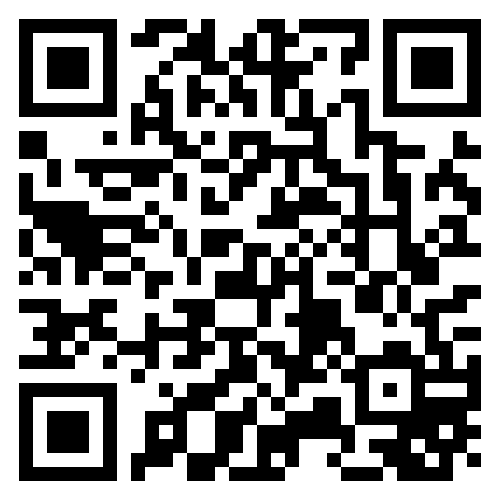
Search your app store for “ACHA 2026,” scan the code, or click here.
or, Access Online
Visit acha.org/program from any device.
Create a My Planner Account
Though no login is needed to browse the agenda, exhibitors, or general event info, you’ll need one to unlock personalized planning and networking features.
Just click “My Planner” in the main navigation of the app or website, enter your email and follow the prompts.
- Use the email you used when you registered for the meeting. If you don’t have access to that email on your device, use an accessible email and follow the prompts.
- To participate in Attendee Networking, you may be asked to associate your planner account with your four-digit Badge/Confirmation ID. This number can be found on your registration confirmation email or on your badge onsite, under the QR code.
Need a Hard Copy Program?
There will not be a printed, complete meeting program available onsite. If you need a hard copy, print the Session Listing and bring it with you.